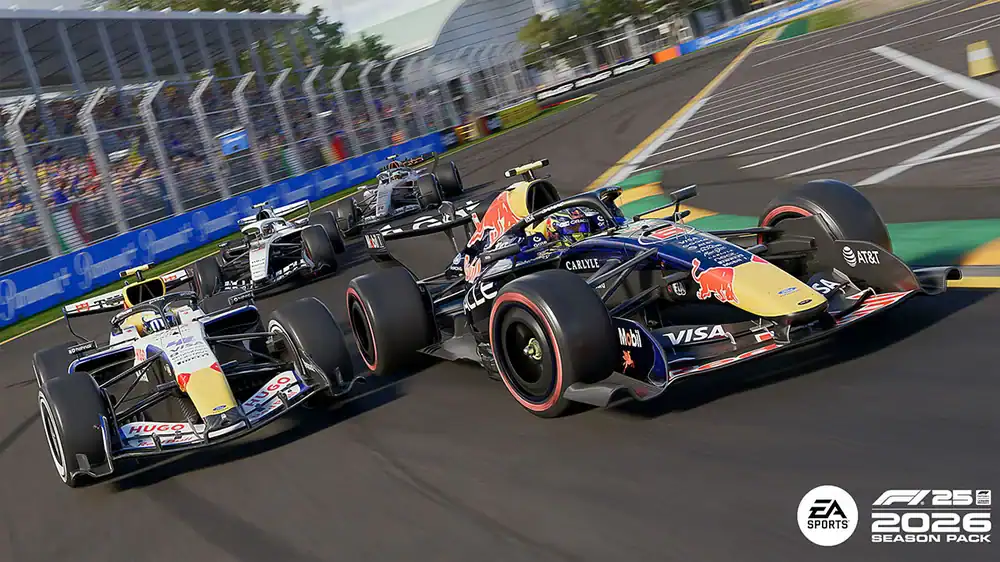
The F1 26 Season Pack brings the new season into the game with updated cars, teams, regulations, and the new Madrid circuit.
It is not a completely new standalone F1 game, but it does change how the cars behave and how you should approach driving, setup, ERS, and race strategy.
Whether you are new to F1 25 or returning for the 2026 content, this guide covers the main changes and how to get up to speed quickly.
What’s New in the F1 26 Season Pack?
The biggest update is the new 2026 regulation set. The two most important gameplay changes are ERS and battery management, and active aero. Both affect car balance, race pace, and setup choices.
ERS Management Is More Important
Battery management plays a bigger role in the F1 26 Season Pack.
New ERS modes and overtake zones give you more control over when to deploy electrical power, but they also make energy management more important. Use too much too early and you may run out of deployment when it matters. Save too much and you may lose lap time.
Good ERS use now matters in both qualifying and races. You need to think about where to deploy, where to recover, and how to use overtake zones effectively.
Active Aero Changes Setup Choices
Active aero is another major change.
Unlike traditional DRS, active aero can be used more often around the lap and is not dependent on being within one second of the car ahead. It opens elements on both the front and rear wings, reducing drag and improving straight-line speed.
This can change the setup meta. Because active aero helps reduce drag on the straights, higher downforce setups may become more viable at certain circuits.
Start With Your Controller or Wheel Settings
Before jumping into career mode, take a few minutes to adjust your controls.
For controller players, the most important settings are steering rate, steering linearity, throttle linearity, brake linearity, dead zones, and saturation. These settings help smooth out inputs and make the car easier to control, especially on corner entry and exit.
For wheel users, check that your wheel and pedals are updated, then review force feedback strength, on-track effects, rumble strip effects, off-track effects, wheel damper, and steering rotation. A steering rotation of around 360 degrees is a good starting point for an F1 car. If you use a powerful direct drive wheel, you will probably want lower force feedback than someone using an entry-level wheel.
Set the Right AI Difficulty
AI difficulty has a big impact on how enjoyable the game feels.
If it is too low, races become too easy. If it is too high, you may end up overdriving just to keep up.
A good starting point is to complete a clean lap in Time Trial, then use that pace to estimate your AI level. After that, test it in a Grand Prix weekend and adjust from there. AI performance can vary by track, so do not be afraid to fine-tune the difficulty between circuits.
Use Assists Properly
Assists are useful, especially if you are new to the game or using a controller.
Common assists include traction control, ABS, racing line, automatic gears, and braking assist.
You do not need to turn everything off immediately. In fact, removing assists too quickly can make the game frustrating. That said, assists can limit ultimate pace because they often intervene before the car reaches the true limit of grip. The best approach is to remove them gradually as your confidence improves.
Learn Circuits in Time Trial
The F1 26 Season Pack includes the updated 2026 calendar, including Madrid.
Before starting a career or My Team save, use Time Trial to learn each circuit. It gives you consistent grip, fixed fuel, and no tyre wear, making it ideal for practising braking points, racing lines, ERS deployment, active aero usage, curb limits, and corner exits.
Once you feel comfortable, move into a Grand Prix weekend to test yourself against AI.
Why Setups Matter in F1 26
A good setup can make the car faster, more stable, and easier to drive.
The main setup areas are aerodynamics, differential, suspension geometry, suspension, brakes, and tyre pressures.
Aerodynamics control the balance between cornering grip and straight-line speed. With active aero reducing drag more often, some tracks may suit higher downforce than before.
The differential affects traction and rotation. Lower on-throttle differential can make the car easier to control on corner exit, while off-throttle differential affects how the car turns into corners.
Suspension settings influence stability, curb handling, weight transfer, and grip. Brakes affect stopping power and locking risk. Tyre pressures influence grip, temperature, and wear across a stint.
If you do not want to build setups from scratch, using a strong baseline setup can save time and help you focus on driving.
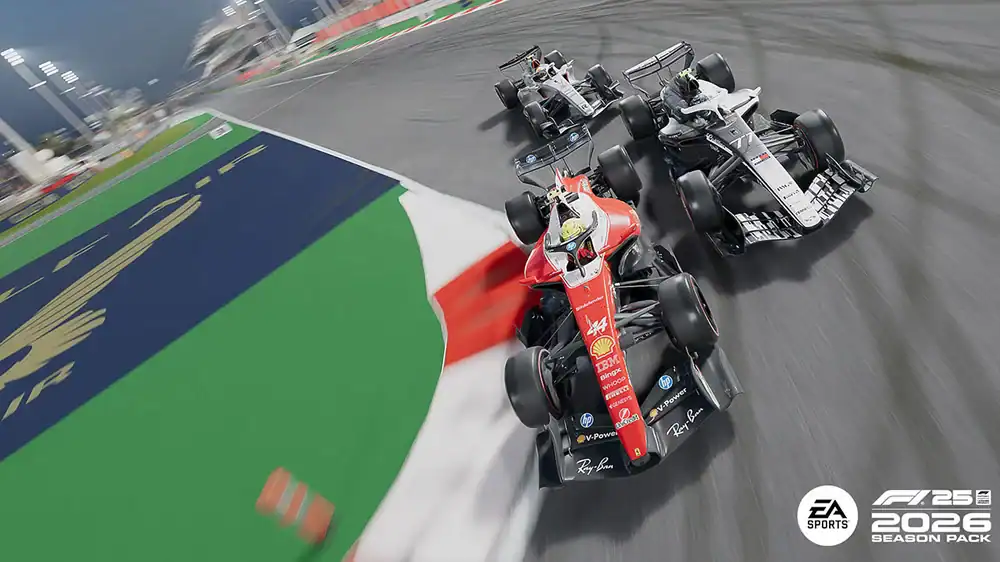
Race Strategy Still Matters
Race strategy can be the difference between gaining and losing positions, even if your lap pace is similar to the drivers around you.
Soft tyres are fastest but wear quickly. Mediums offer a balance. Hards last longer but have less grip.
The quickest strategy is not always the most aggressive one. Sometimes avoiding an extra pit stop is faster overall. Other times, a two-stop strategy can work if the pace advantage is big enough.
Use the game’s recommended strategy as a starting point, then adjust based on tyre wear, weather, safety cars, and your driving style.
Key Driving Techniques to Improve
Once your settings and setup are in place, the biggest gains come from driving technique.
Throttle Control
Smooth throttle application is essential, especially without traction control. Applying power too aggressively can cause wheelspin, tyre overheating, and poor exits. The aim is to build throttle progressively as the car straightens.
Racing Line
Use the full width of the circuit, hit the apex, and open the steering as early as possible on exit. Missing apexes or using too little track width usually costs time and makes the car harder to drive.
Trail Braking
Trail braking means gradually releasing the brake as you turn into the corner. This keeps load on the front tyres and helps the car rotate. Done well, it lets you carry more speed into the corner without losing control.
Final Thoughts
The F1 26 Season Pack adds more than new cars and teams. ERS, active aero, the new Madrid circuit, and the 2026 handling changes all affect how you should drive and set up the car.
Start with the basics: configure your controller or wheel, choose a sensible AI difficulty, use assists that help your consistency, learn tracks in Time Trial, use stable setups, and practise throttle control, racing line, and trail braking.
Once those foundations are in place, setups and strategy become powerful tools for finding more pace.
If you want a stronger starting point, Track Titan now has F1 26 setup bundles available, including dry and wet setups, with Race and Quali Esports variations being added automatically once ready.