
The F1 26 setups library on Track Titan is live, with dry and wet race options ready for every circuit. The F1 26 setup library on Track Titan includes dry and wet race setup bundles, built from real telemetry data by Tomasz Poradzisz, Head Engineer for Alpine Sim Racing.
If you have been using Sim Racing Configs for F1 25 setups, the same approach applies for F1 26: these are setups built for performance.
Want to try the full F1 26 setup library?
Track Titan now has dry and wet setup bundles available for F1 26, with Race and Quali Esports variations to be added automatically once ready.
View Track Titan F1 26 Setups →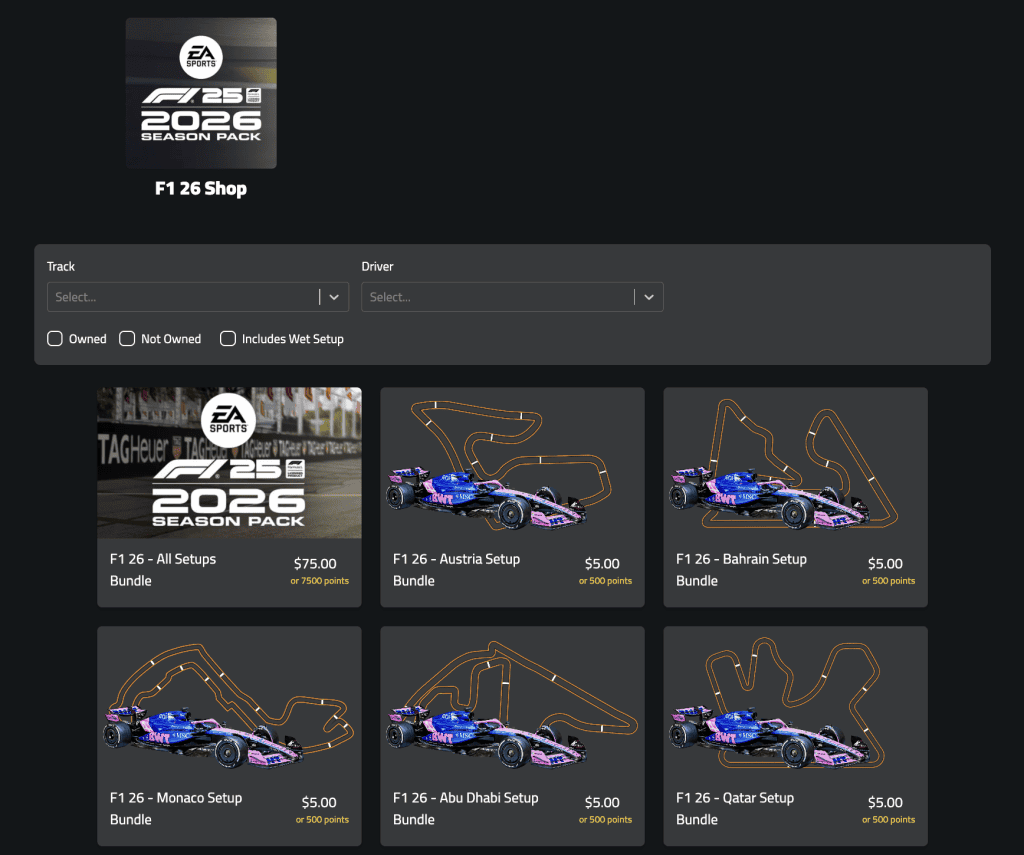
What F1 26 Setups Are Available?
The current F1 26 setup library on Track Titan includes:
- Dry race setup bundle – optimised for dry conditions across all tracks
- Wet race setup bundle – tuned for wet and mixed condition races
Race Esports and Quali Esports setup variations are planned and will be added to the library automatically once ready. If you purchase the bundle now, you will get those variations included when they go live.
Who Builds the F1 26 Setups?
The F1 26 setups on Track Titan are engineered by Tomasz Poradzisz, Head Engineer for Alpine Sim Racing. Tomasz builds setups using actual lap and telemetry data, not guesswork. Each setup is tested and validated before being made available in the library.
This is the same engineering approach used for the F1 24 and F1 25 setup libraries that have been available on Track Titan throughout those seasons.
Why Use Track Titan for F1 26 Setups?
Track Titan setups are built by esports and sim racing professionals using real lap and telemetry data. Most setup resources online rely on trial and error – these are validated setups from people who race competitively.
Track Titan setups come paired with AI lap coaching that analyses your actual laps and tells you where you are losing time. It is not just a setup file – it is a tool for getting measurably faster.
How to Access F1 26 Setups on Track Titan
Once you subscribe to Track Titan, accessing the F1 26 setups is straightforward. Go to the setup library, select F1 26, and choose the dry or wet bundle. Each file exports directly and applies in-game without manual adjustments.
Not sure which F1 26 setups to use at a specific circuit? The Track Titan coaching tool analyses your lap data and shows where setup or driving changes would gain the most time. It is a faster path to improvement than guessing alone. Track Titan works across all circuits in the F1 26 calendar. Saving your preferred F1 26 setups in the app means they are ready to load each time you race.
New to F1 26? Start Here
If you are jumping into F1 26 from F1 25, there are some key changes to get up to speed on. Our Season Pack guides cover what has changed and how to adapt quickly:
- F1 26 Season Pack: What’s New and How to Get Faster — new cars, the Madrid circuit, and the key handling differences from F1 25
- F1 26 ERS Guide: Battery, Boost & Overtake Explained — how to use ERS effectively to gain time on every lap
Want to try the full F1 26 setup library?
Track Titan now has dry and wet setup bundles available for F1 26, with Race and Quali Esports variations to be added automatically once ready.
View Track Titan F1 26 Setups →Sim Racing Configs and Track Titan are not affiliated with Formula 1, EA, Codemasters, or the game publishers unless otherwise stated.